One system for your whole F&B shop.
MyBerniaga is the POS built for Malaysian cafés, warungs and restaurants. Take orders at the counter, from a self-order kiosk or online, send them straight to the kitchen — and run HR, accounting and stock from the same account.
Start free. Go Pro when you’re ready.
Use the full POS offline at no cost. Pro connects everything — kiosk, online store, kitchen, delivery and your back office.
The full POS on one device. No internet needed — your sales stay on the till.
- Take orders, print receipts and kitchen tickets
- Keeps selling with no Wi-Fi
- Daily sales and Z-report on the till
- Self order kiosk app
- Online storefront
- POS terminal with cloud sync
- Kitchen display
- Order status display
- HR system
- Accounting system
- Inventory system
- GrabFood integrationSetup fee RM 180 · no monthly fee
- Foodpanda integrationSetup fee RM 180 · RM 80 / month
See what you get.
Every screen below is part of one MyBerniaga account — set up your menu once and it’s everywhere.
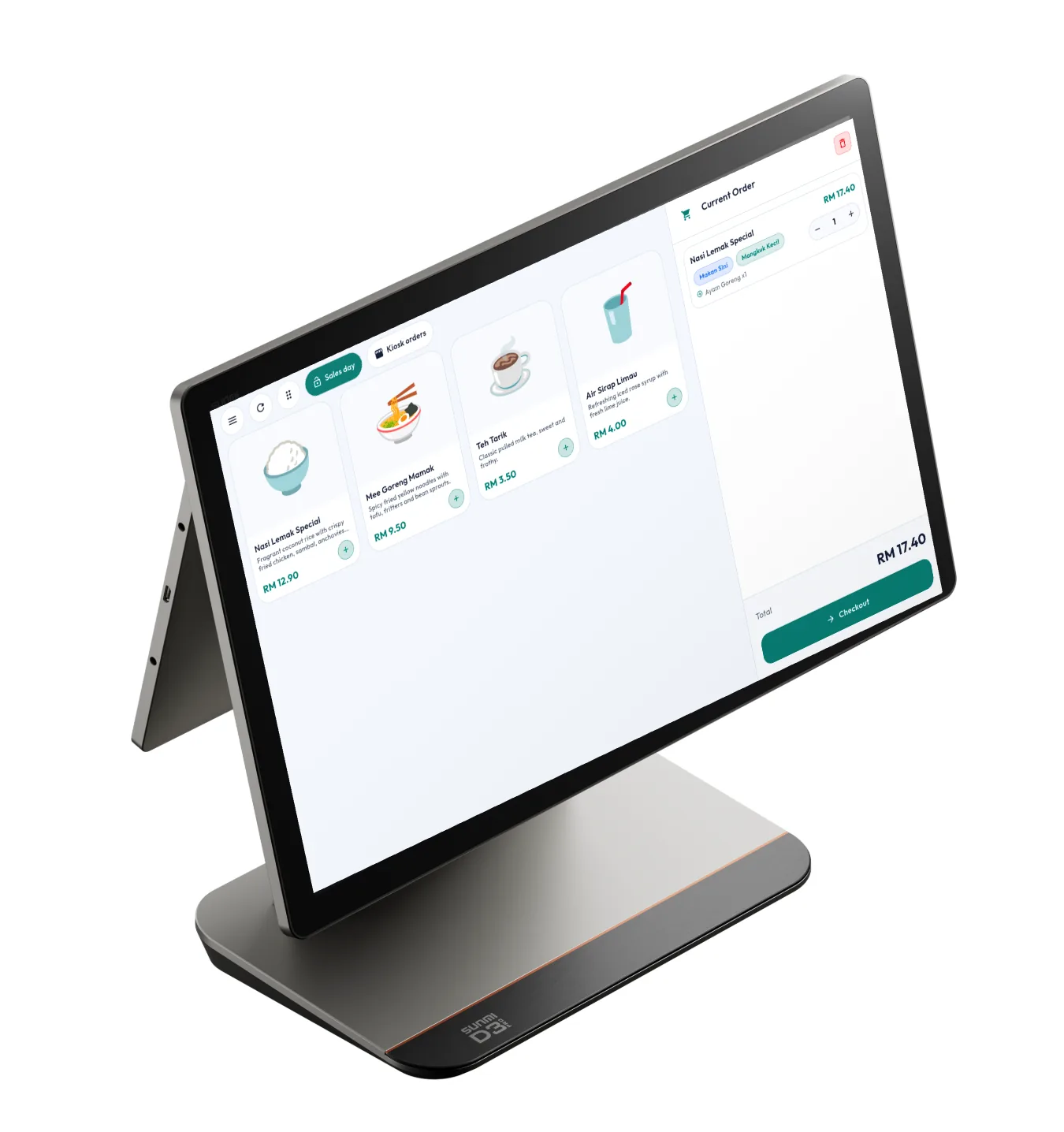
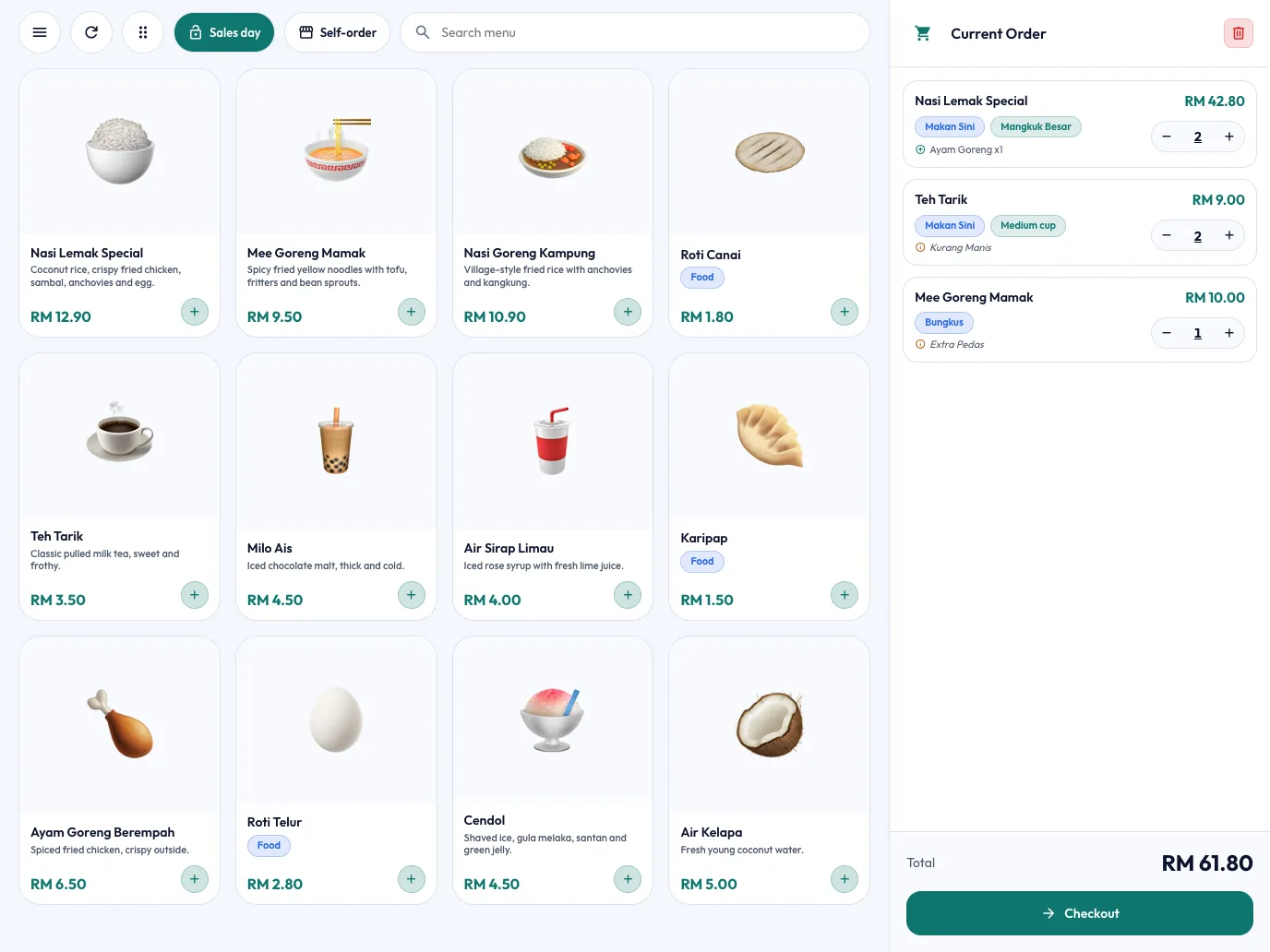
POS terminal with cloud sync
Ring up orders in a few taps — sizes, add-ons and remarks included. Every till in your shop shares the same orders, and your sales are backed up to the cloud.
- Counter, tables or tokens
- Cash, card, e-wallet or DuitNow QR
- Keeps working offline, syncs when back online
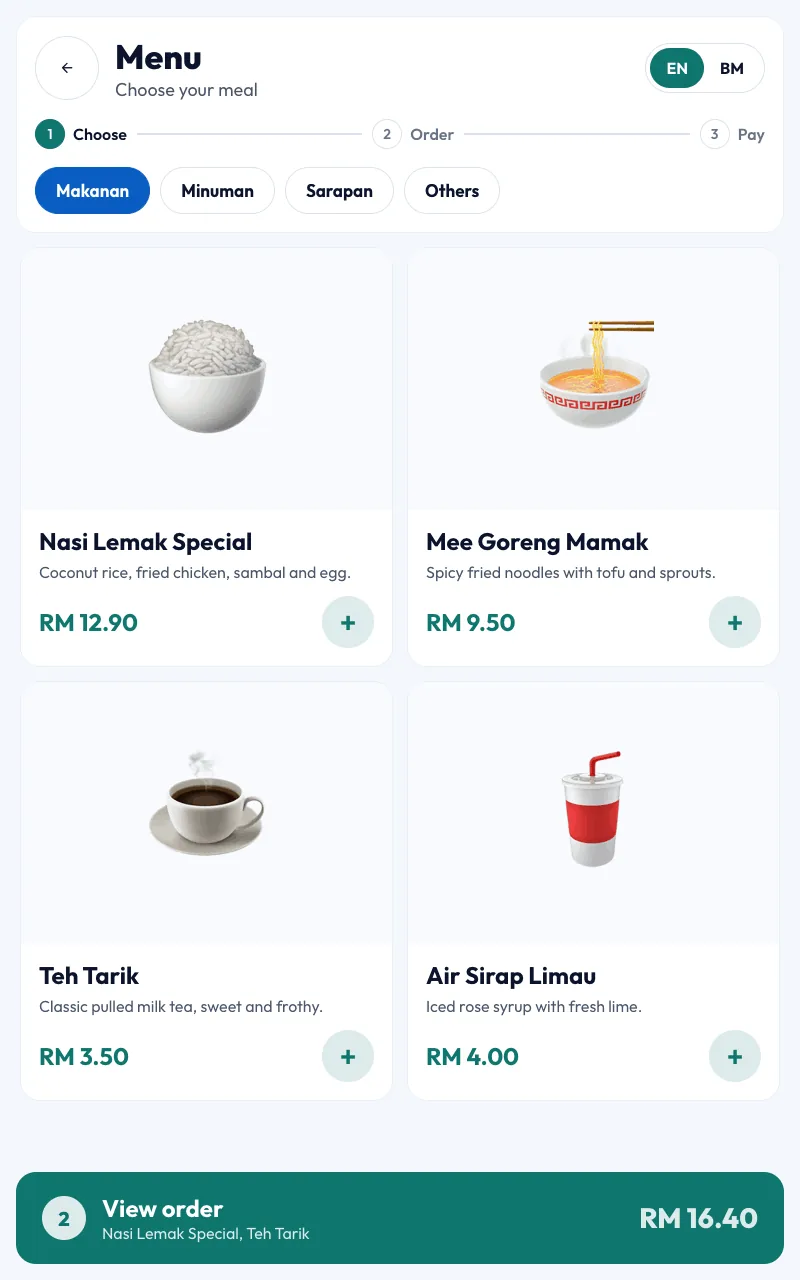
Self order kiosk app
Customers browse, choose and pay on their own. Orders go straight to the kitchen, so your staff serve instead of typing.
- English and Bahasa Malaysia
- Same menu as the till — no double entry
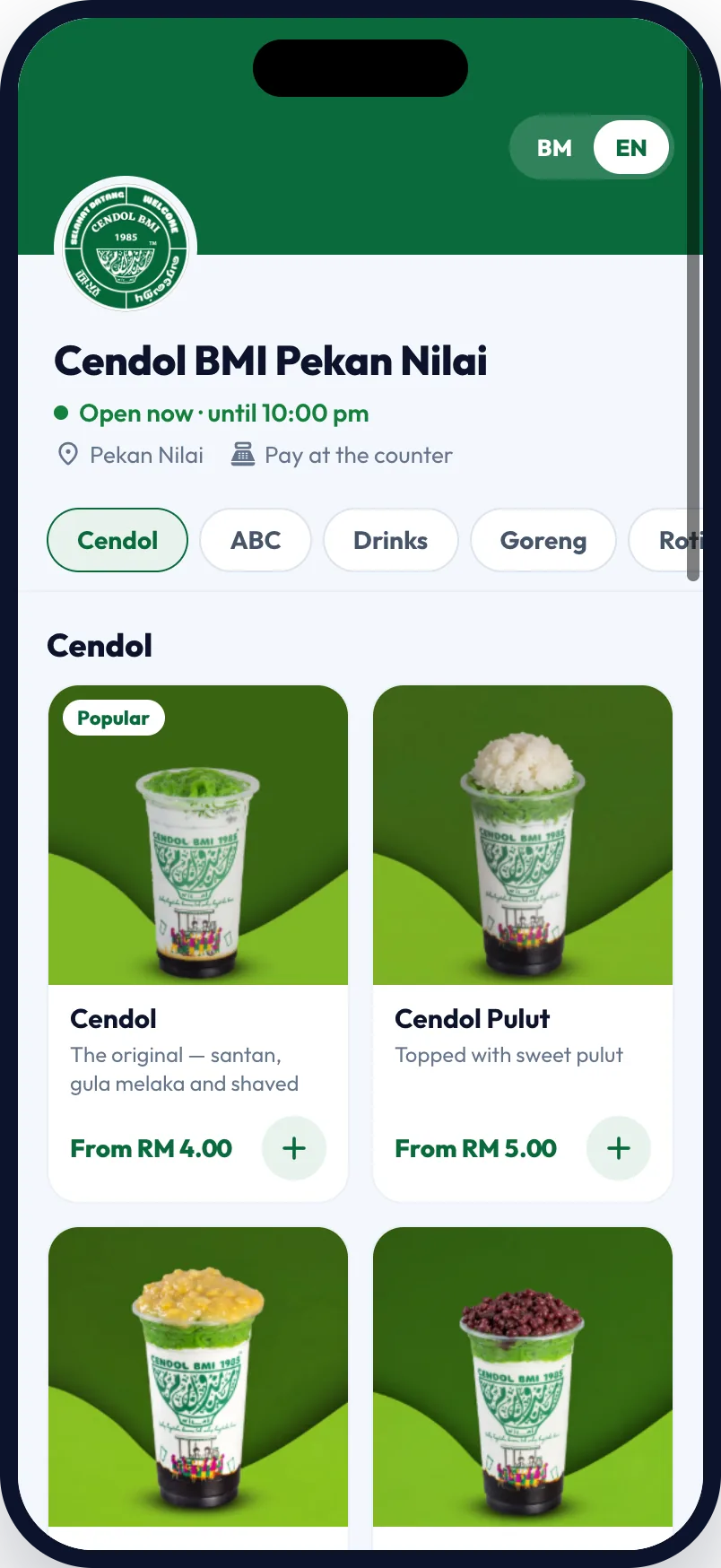
Online storefront
Your own ordering page with a QR code and link. Customers scan, see your menu first, pick Makan Sini or Bungkus, and send the order to your till.
- No commission per order
- Share on WhatsApp, Instagram and table stickers
Kitchen display
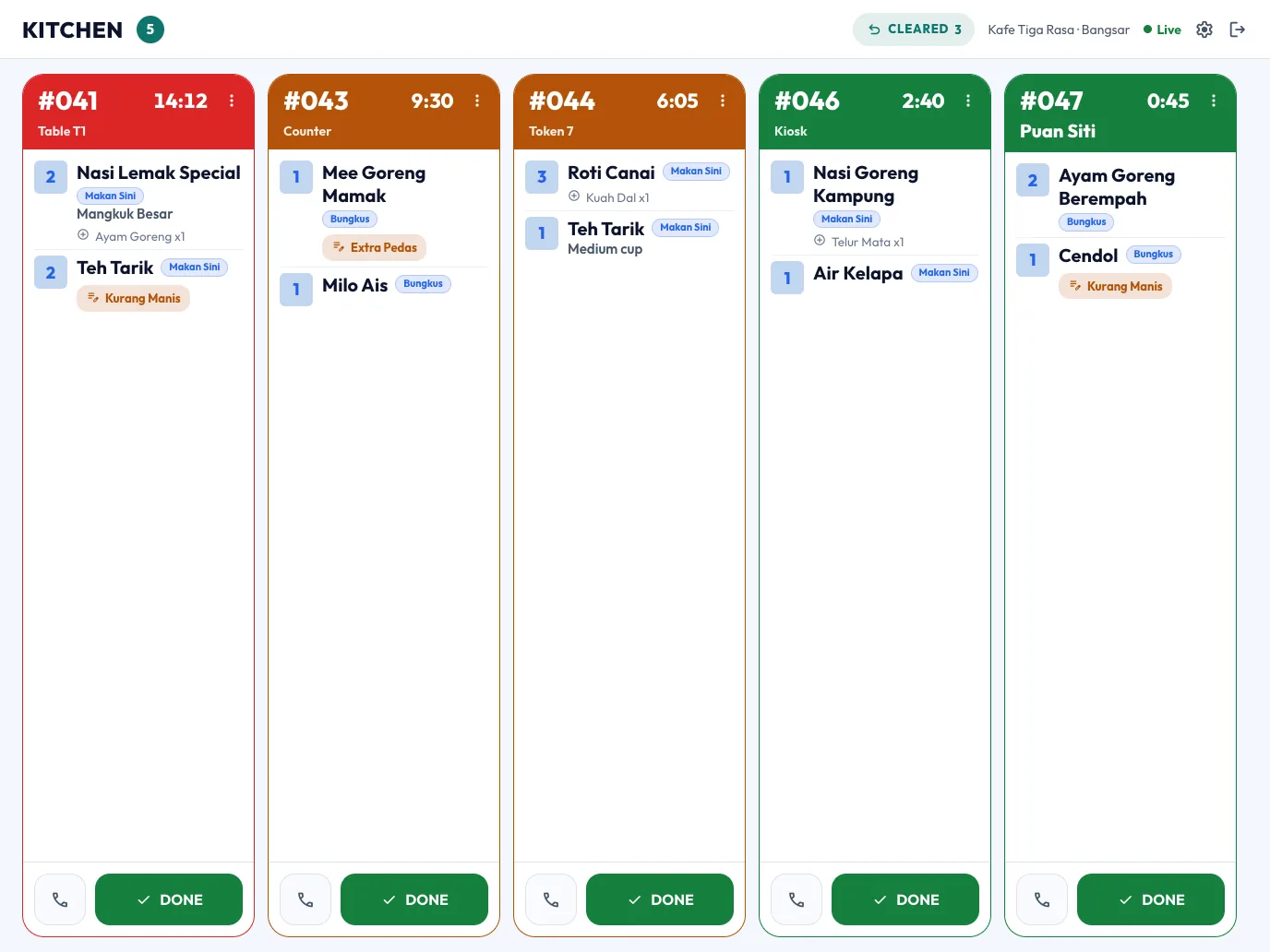
Every ticket on one screen, oldest first and coloured by how long it’s waited. Tap DONE when it’s ready — no more lost paper slips.
Order status display
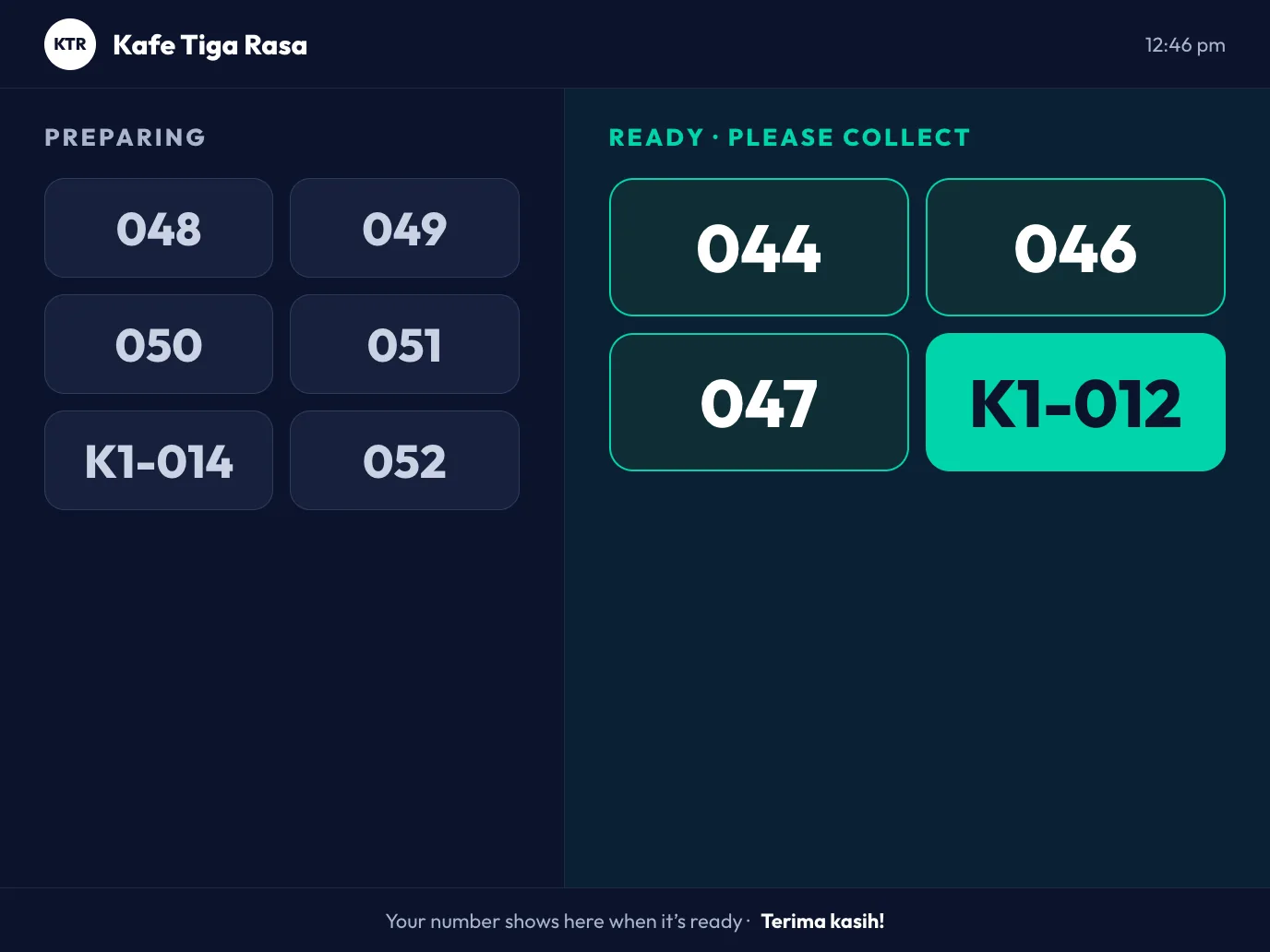
Show customers which orders are being prepared and which are ready to collect. Fewer “is mine ready?” at the counter.
HR system
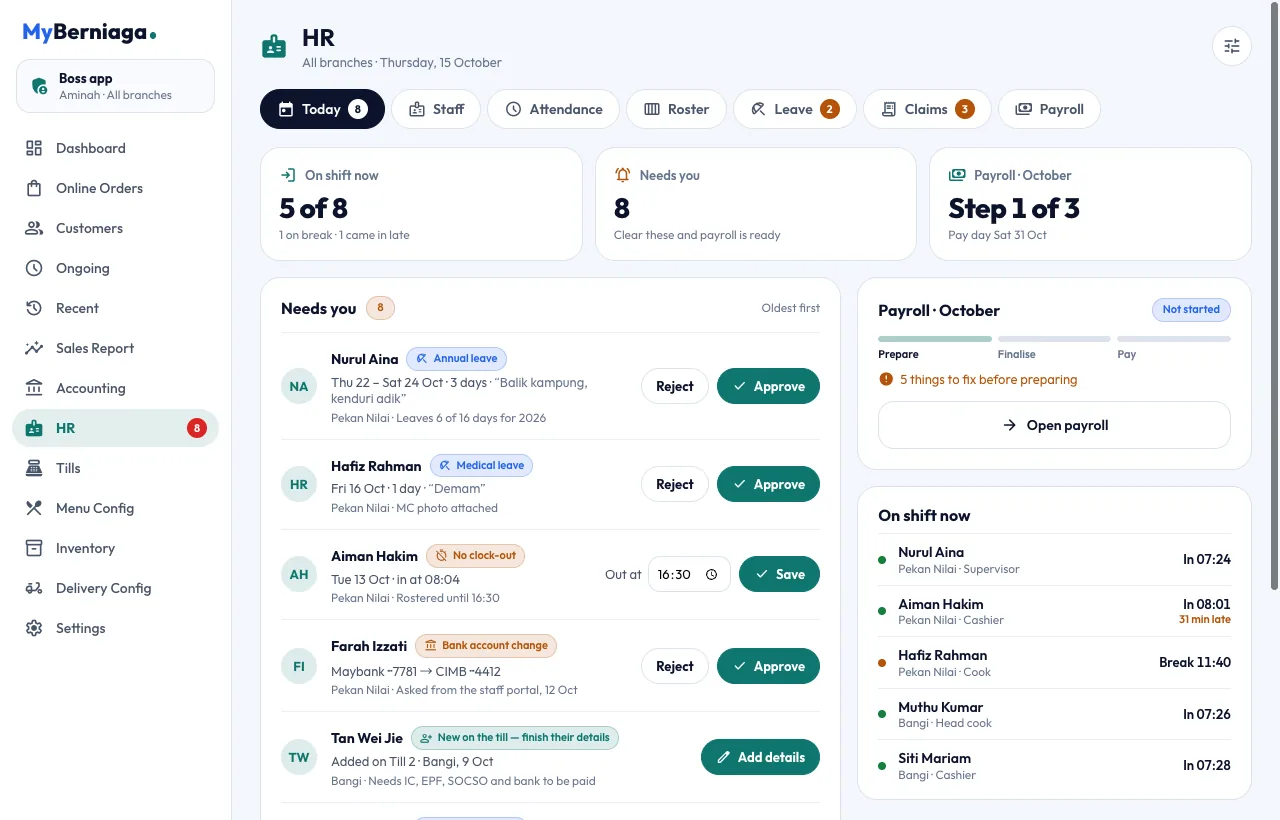
See who’s on shift, approve leave and claims, fix missed clock-outs and run payroll — from one Today screen.
- Clock in at the till or on the staff phone app
- Roster, leave, claims and payslips
Accounting system
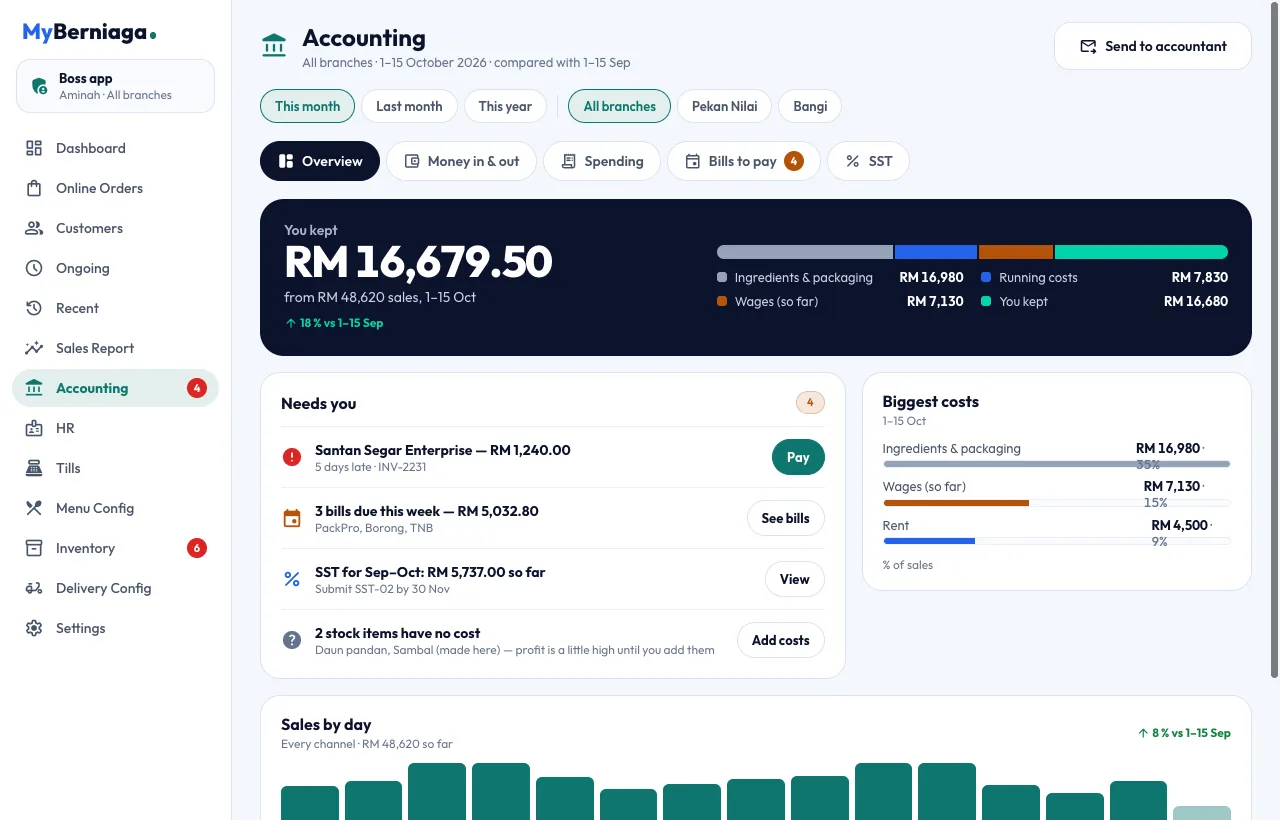
Know what you kept this month at a glance. Bills to pay, spending with receipt photos, SST and e-invoice — and send everything to your accountant in one go.
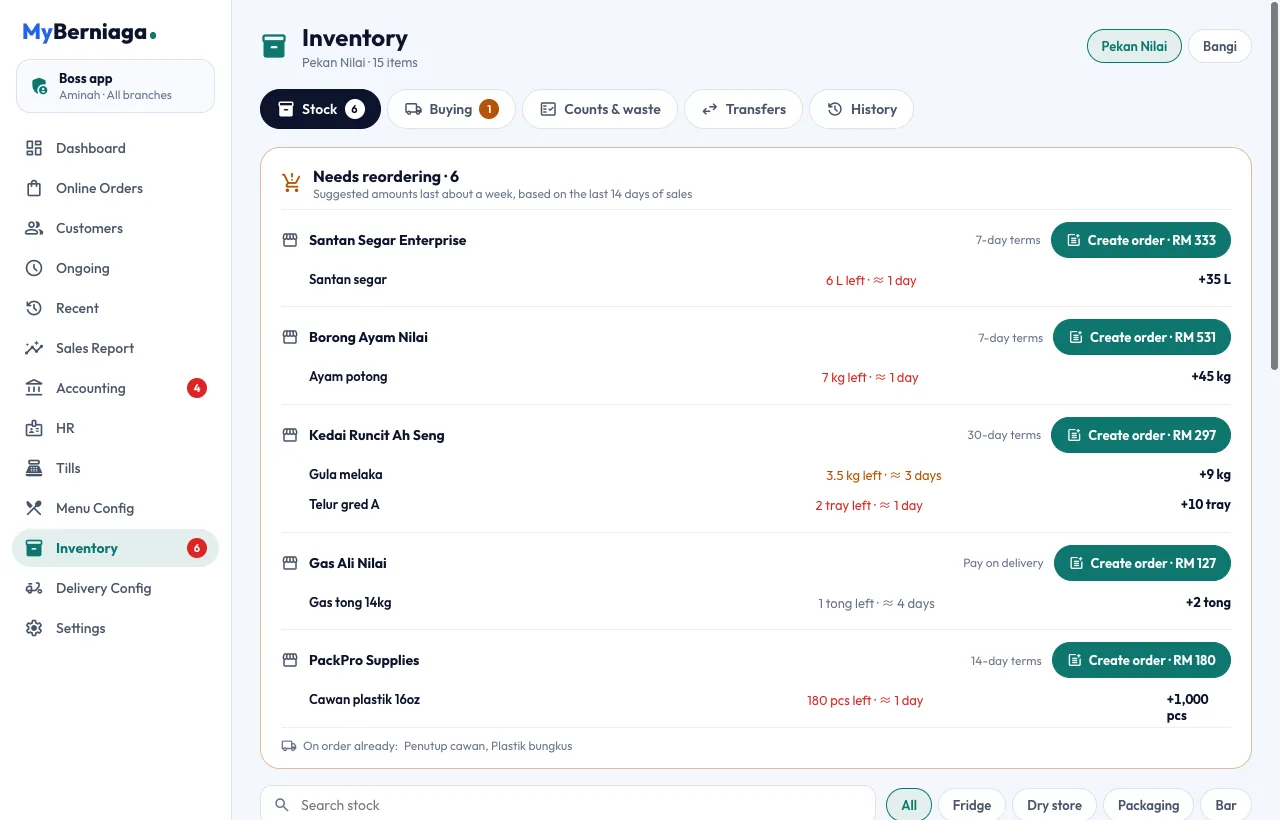
Inventory system
Recipes take ingredients off stock as you sell. See what’s running low, how many days it will last, and order from your supplier in one tap.
GrabFood orders print in your kitchen and count in your sales automatically. No more tablet juggling or retyping orders.
foodpanda orders land on the same till and kitchen screen as your walk-in customers — one menu, one report.
Get Pro at RM 30 a month.
Year-end promo — normally RM 60. Everything above, on one account.